The best free Mac uninstaller in 2026
Three of these seven cost nothing and two more have a free tier. This page compares what each vendor actually documents, so you can tell a dedicated uninstaller from a cleaning suite with an uninstall button.
Vendor figures checked . No affiliate links.
How this comparison was put together
Every figure below comes from the vendor's own site, repository or App Store listing, checked on 10 September 2026 and then checked a second time against the same sources. Nothing was taken from a roundup or a review site, because in this category almost every roundup is written by a company selling one of the tools.
We have no affiliate relationship with any of them. There are no tracking links on this page, we take no payment for placement, and we do not sell a cleaner of our own. That is unusual enough here to be worth stating plainly.
Where a vendor does not publish something, the table says not stated rather than filling the gap with a guess. The last-release and macOS columns are especially worth reading: a tool can advertise support for the current macOS in its page text while shipping a binary that has not been rebuilt in three years.
The seven compared
| Tool | Price | Source | Last release | Newest macOS claimed |
|---|---|---|---|---|
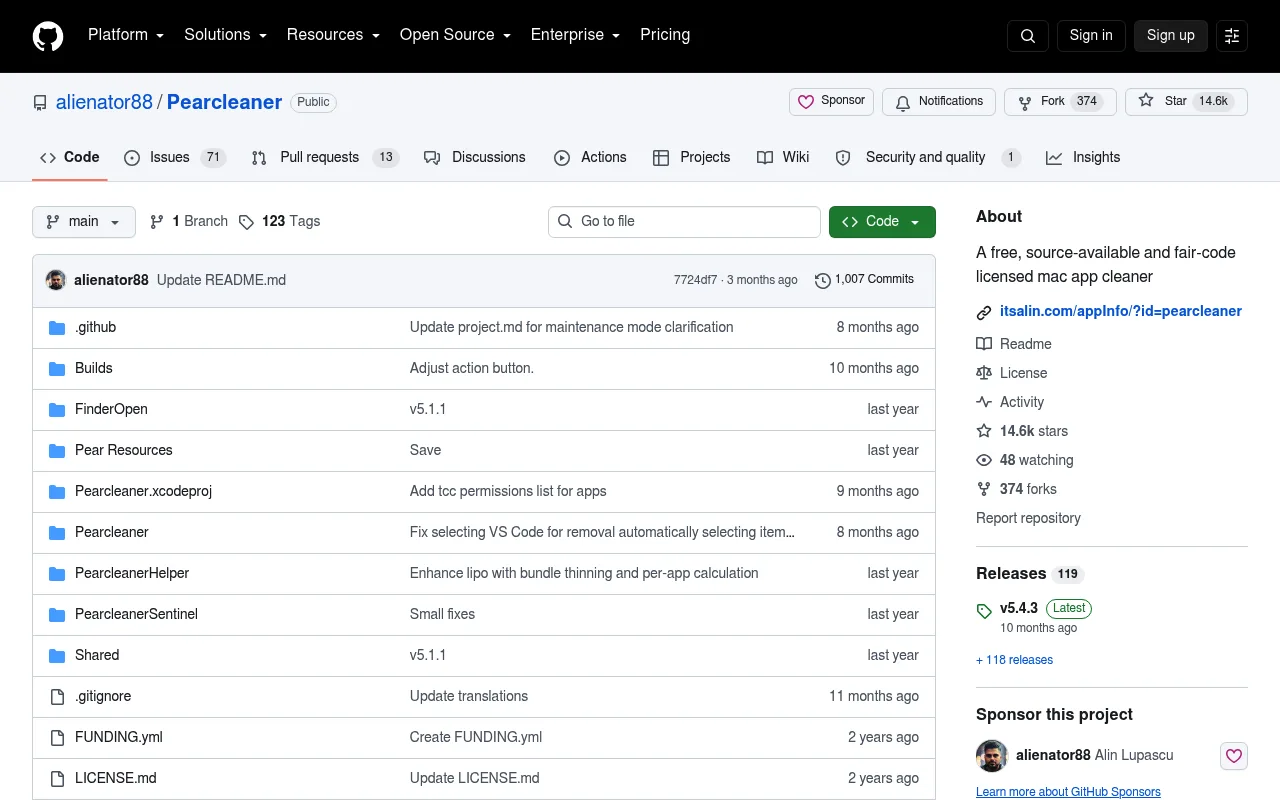
| Pearcleaneralienator88Dedicated uninstaller | Free | Source-available | 5.4.3, Nov 2025 | macOS 26 Tahoe |
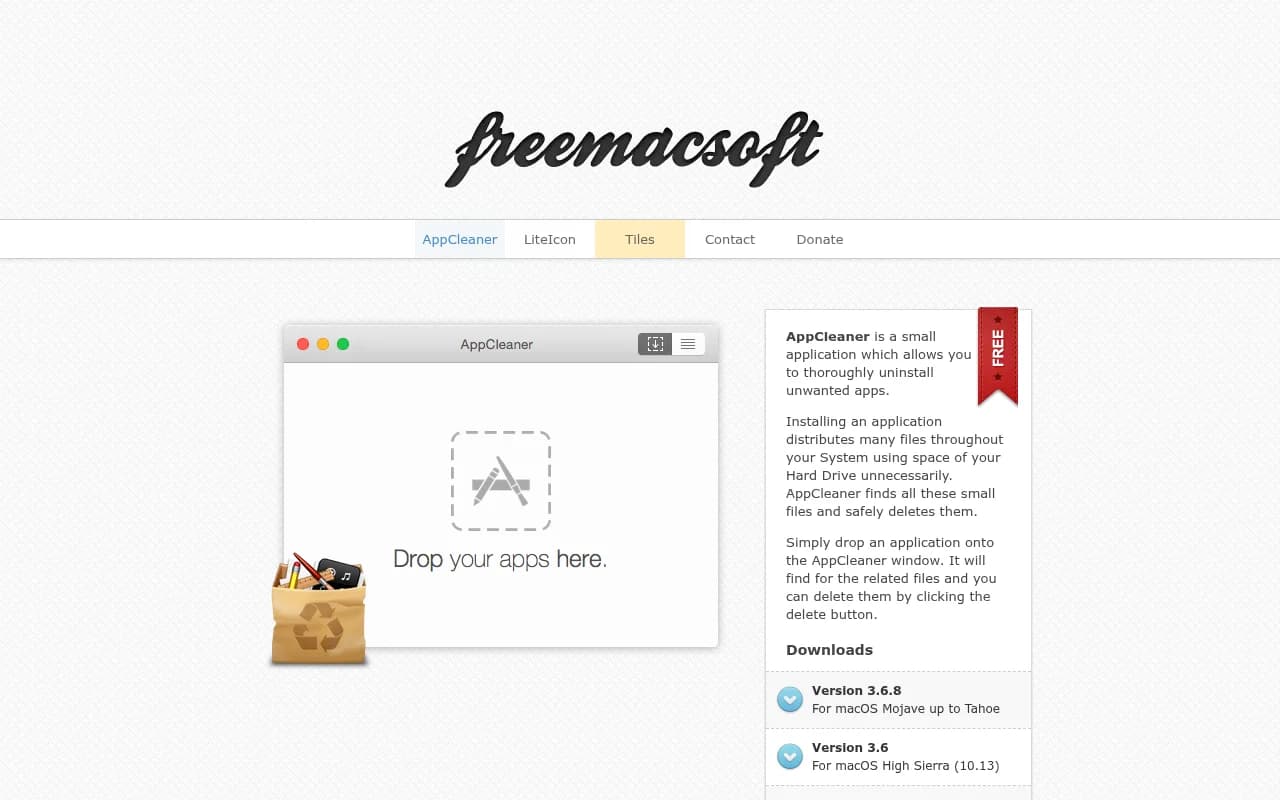
| AppCleanerFreeMacSoftDedicated uninstaller | Free | Proprietary | 3.6.8, Jul 2023 | Tahoe, in page text only |
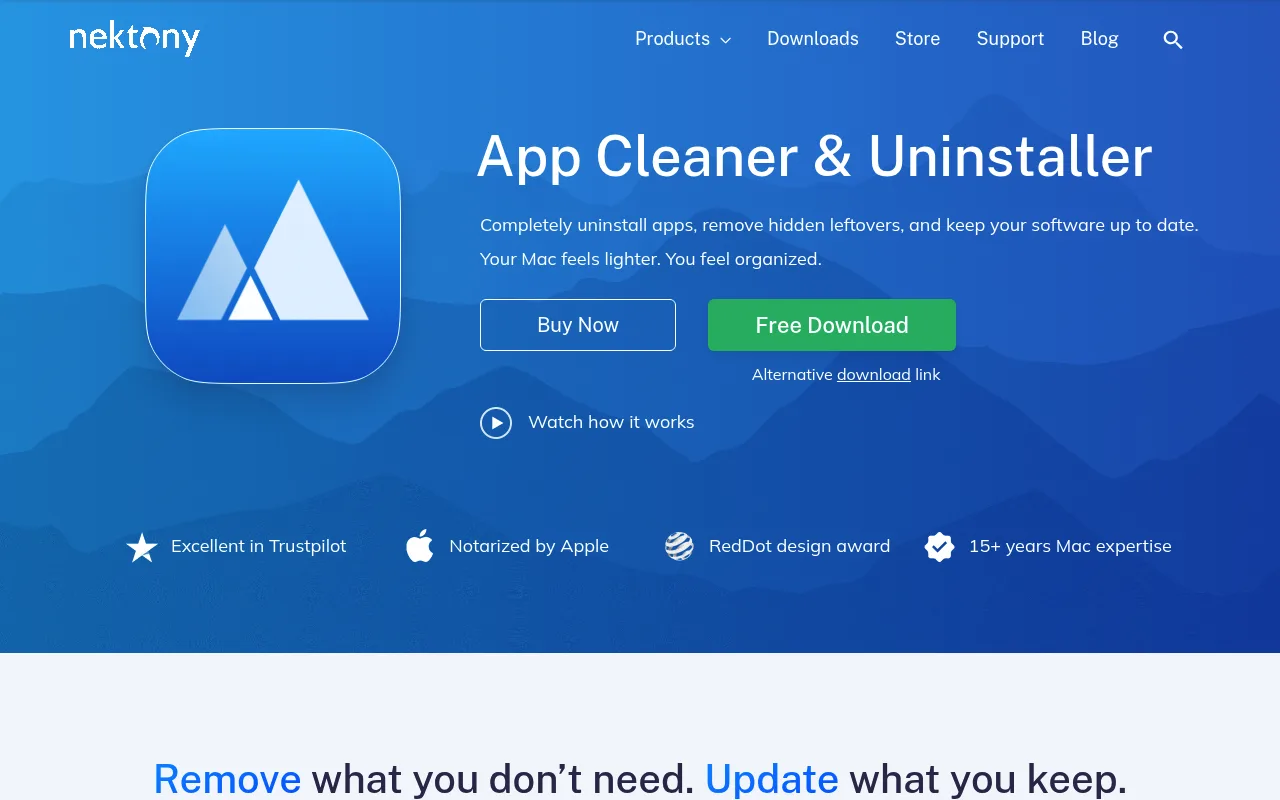
| App Cleaner & UninstallerNektonyDedicated uninstaller | Free tier, or $14.95/yr | Proprietary | 9.4, Aug 2026 | macOS 26 Tahoe |
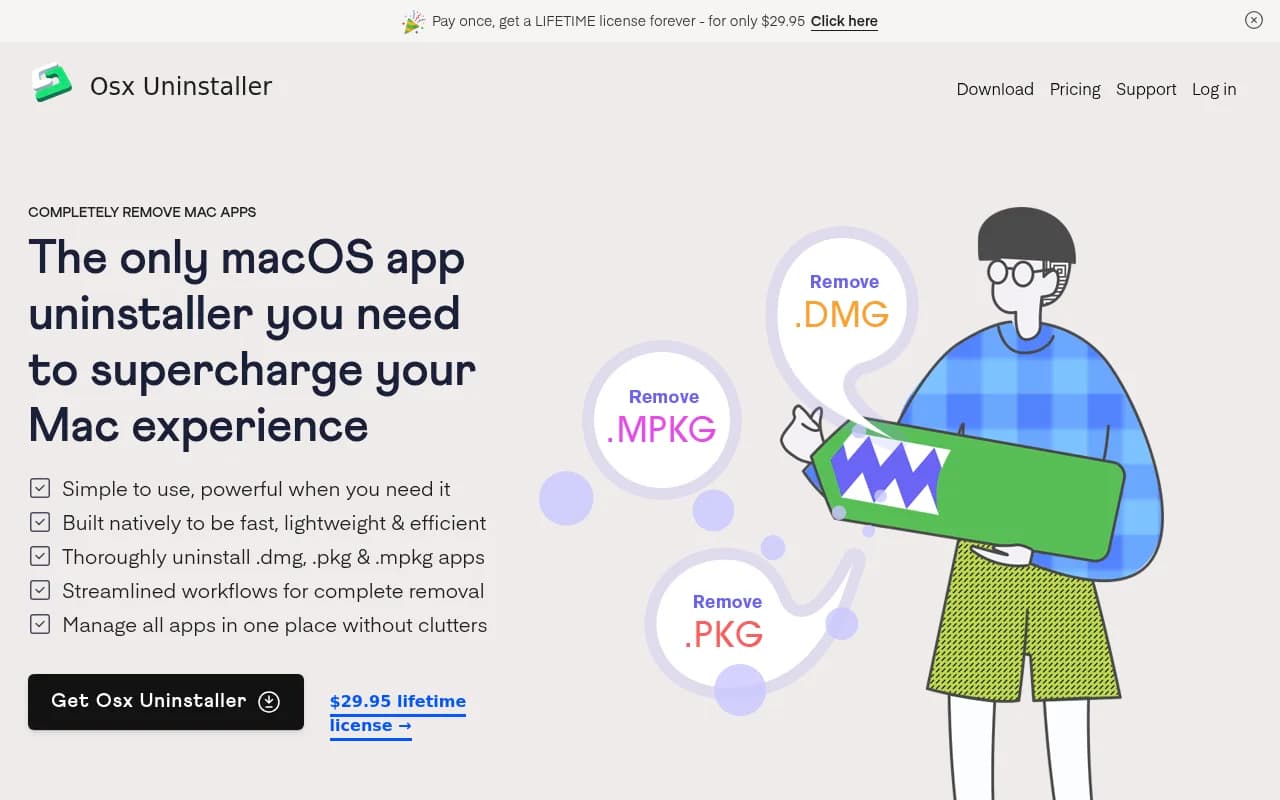
| Osx UninstallerLiangdu TechnologyDedicated uninstaller | $29.95 once | Proprietary | Dec 2023 | Not stated |
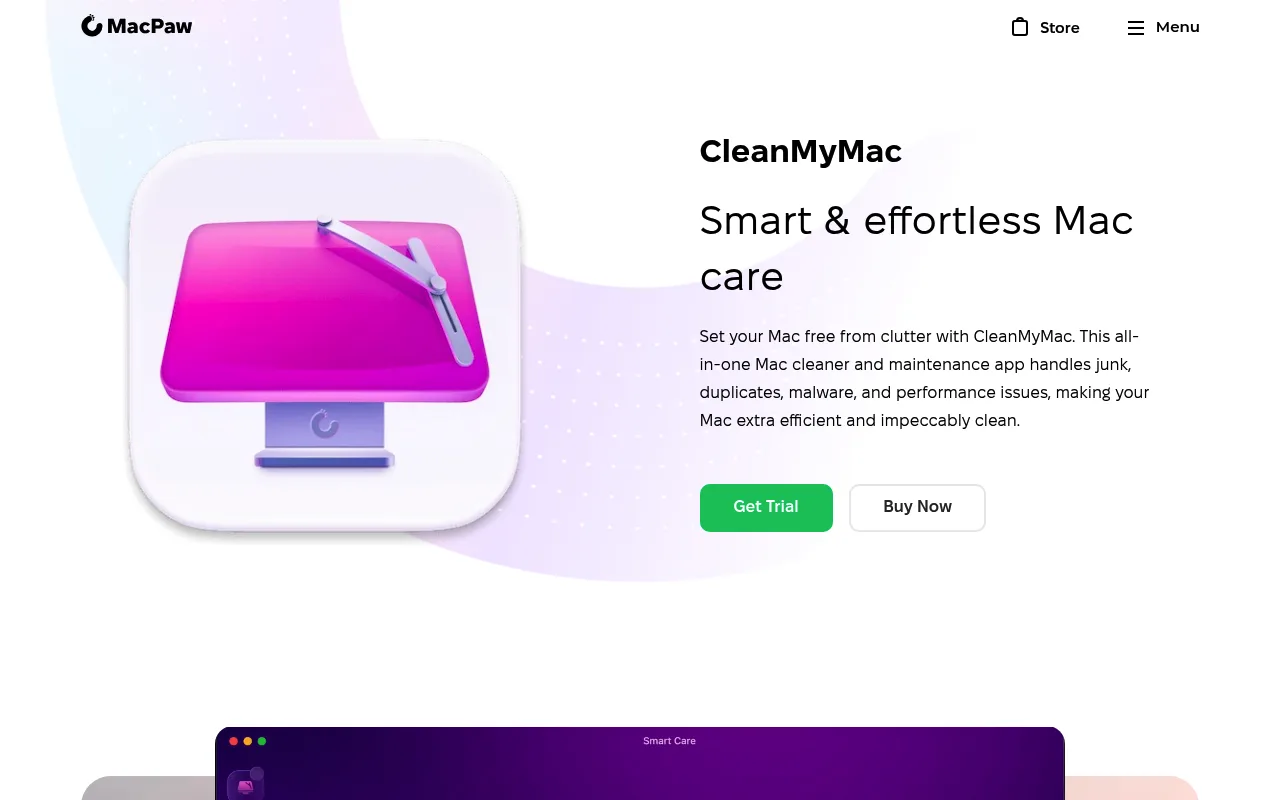
| CleanMyMacMacPawCleaning suite | From $3.33/mo | Proprietary | 5.5.7, Jul 2026 | macOS 26 Tahoe |
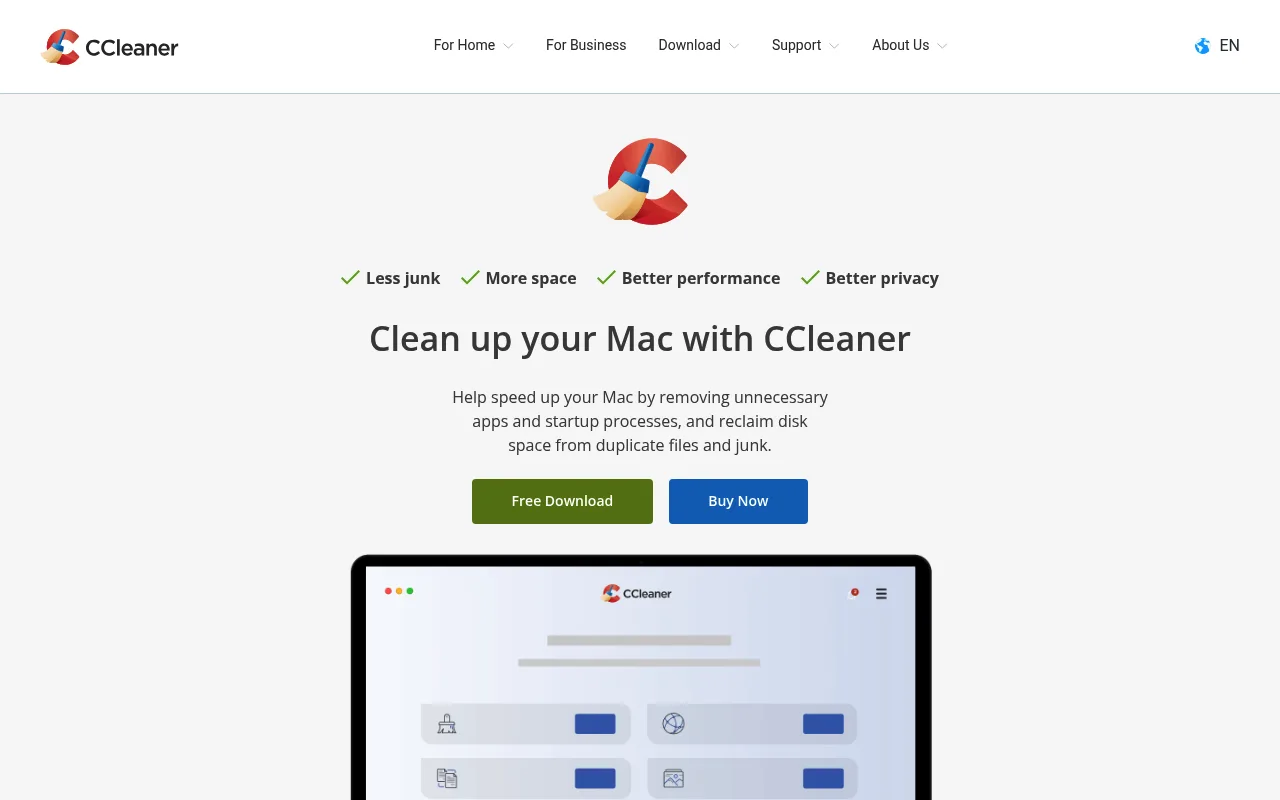
| CCleaner for MacPiriform, part of Gen DigitalCleaning suite | Free tier, or $44.95/yr | Proprietary | 2.11.194, Jun 2026 | macOS 13 Ventura |
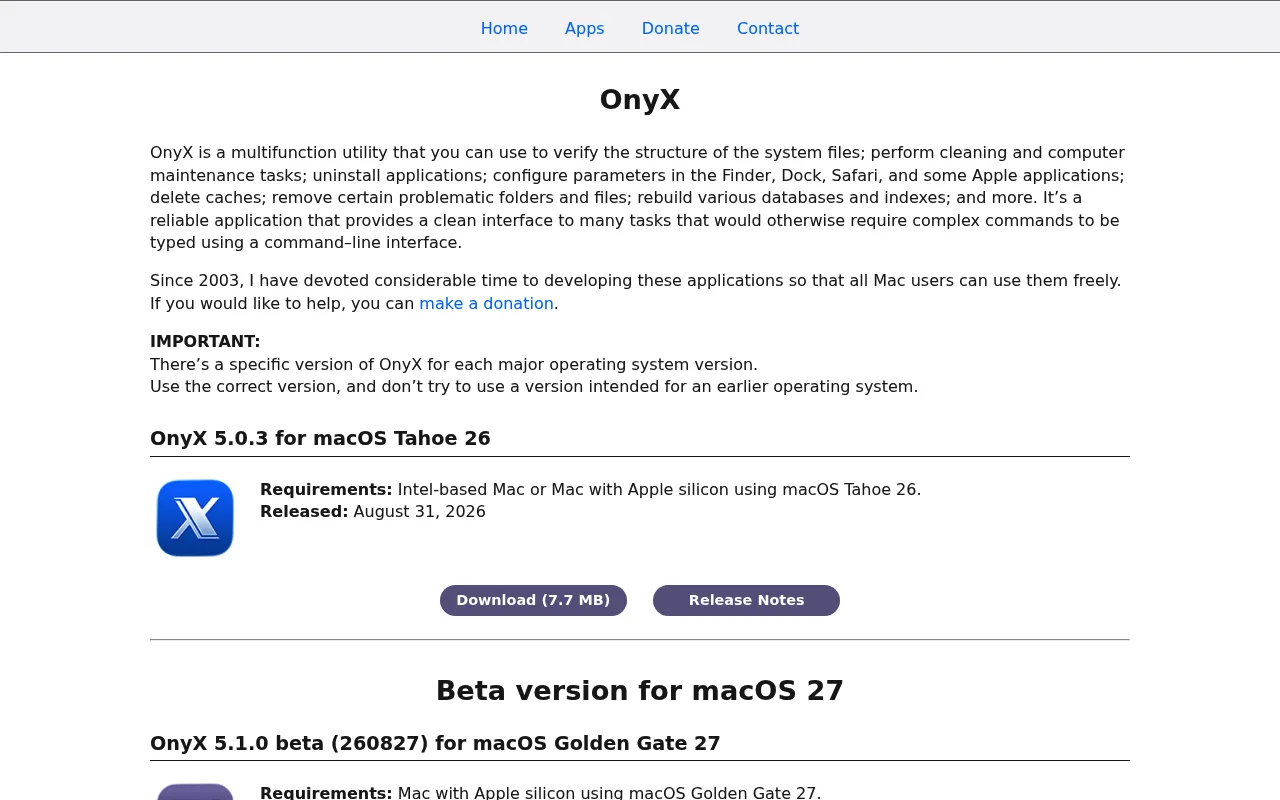
| OnyXTitanium SoftwareMaintenance utility | Free | Proprietary | 5.0.3, Aug 2026 | macOS 26 Tahoe |
What each vendor documents, and what it leaves out
Each screenshot is that vendor’s own page as it appeared on . They are captured, not mocked up, and they date: if a vendor redesigns, the shot below is a record of what was there when the figures above were checked.
- Pearcleaner
- Matches related files by string comparison against the app name, bundle ID and entitlements, with three sensitivity levels. Strict, the default, is exact-match only; Enhanced adds partial matches and the vendor warns it may find a few unrelated files in some cases; Deep adds company name and team identifier and searches file contents, metadata and Finder comments. Above Strict the vendor recommends checking what it finds by hand. For Homebrew casks it delegates to
brew uninstallrather than replicating it. Needs Full Disk Access to search, and a privileged helper to act on system folders. - Source. Apache 2.0 with the Commons Clause, which removes the right to sell the software, so it is not open source in the strict OSI sense.
- macOS. Minimum macOS 13.
- Alternatives to Pearcleaner
- AppCleaner
- The vendor documents drag-and-drop removal of an app and its related files, a SmartDelete helper that offers to clean up when an app is moved to the Trash, handling of preference panes, and detection of apps inside disk images. Related files of system apps can be searched, but system apps themselves cannot be removed, which the vendor attributes to System Integrity Protection. There is no documented system or cache cleaning, browser-extension or login-item management, or scheduled maintenance.
- Price. No purchase route of any kind, only an optional donation link. The download page carries an ad banner.
- macOS. The download page says For macOS Mojave up to Tahoe. Read that as a claim in page text, not a new build: the shipping binary is still the July 2023 one.
- Alternatives to AppCleaner
- App Cleaner & Uninstaller
- Per Nektony's own FAQ it does not uninstall applications stored on secondary or external drives, only the active macOS drive, and it does not remove Apple's built-in apps such as Mail or Safari. Nektony attributes that to Apple's protection of core system apps, which constrains every uninstaller equally.
- Price. $14.95 a year or $34.95 once, for one Mac. The free tier finds leftovers but will not delete the full set: one-click removal, batch operations and the secondary modules are paid.
- Source. Nektony states plainly on its own repository that the app is not open source.
- macOS. The requirements line reads Supports macOS 11.0-27. A separate knowledge article says the AI summary feature needs macOS 26 on Apple silicon.
- Alternatives to App Cleaner & Uninstaller
- Osx Uninstaller
- The vendor scopes it to removing apps distributed as
.dmg,.pkgand.mpkgpackages along with their associated files, startup items, extensions and System Settings entries. It makes no claim to clean junk or caches, find duplicates, remove malware or browser extensions, manage updates, or find leftovers of apps already dragged to the Trash, and does not say whether it handles Mac App Store apps. The app is a free download with a trial whose limits the vendor does not describe. The release note is dated December 2023; the installer the site serves today was last modified in August 2024. - Price. $29.95 for one Mac, $39.95 for three, $49.95 for five, checked 10 September 2026. The vendor presents these as discounted prices, so treat them as current rather than fixed.
- macOS. The vendor publishes no macOS compatibility range at all.
- Alternatives to Osx Uninstaller
- CleanMyMac
- Uninstalling is one module in a cleaning and maintenance suite, not the whole product. MacPaw states that macOS restrictions stop it removing system apps, and that the App Store edition cannot remove the core binaries of App Store apps: it deletes the related files and leaves the binary for you. That edition also omits parts of the suite, including system cache and log files, language files, universal binaries, iOS backups, broken login items and deleted users.
- Price. Subscription first, with a one-off option. The product page advertises Starting at $3.33/month; the store prices per device and per region, so there is no single published dollar figure. No free tier, but a seven-day full trial. A one-off purchase covers updates within the current major version only; a subscription covers future major versions.
- Alternatives to CleanMyMac
- CCleaner for Mac
- Uninstalling is one tool inside a general cleaning suite. The product page describes it only as finding unused, space-hogging apps and letting you uninstall them. It makes no reference to leftover support files, preferences, launch agents or caches, so residual-file removal is not part of the stated scope of that tool.
- Price. The free tier covers one device and the uninstaller is not behind the paywall. Professional is $44.95 a year for one Mac; Professional Plus is $64.95 a year, covers three devices and bundles the Windows and Android editions along with Recuva and Speccy.
- macOS. macOS 13 is the newest version named in the vendor's system requirements. The download page says only 64-bit macOS 10.10 and above. Neither macOS 15 nor macOS 26 appears anywhere in the stated compatibility.
- Alternatives to CCleaner for Mac
- OnyX
- Uninstalling is one pane inside a maintenance utility. The vendor's description of OnyX says only that it uninstalls applications, and does not publish which support files the pane removes. Uninstalling for all users is a setting that, per the release notes, requires System Integrity Protection to be switched off, which implies per-user removal otherwise. Titanium Software does not describe OnyX as finding leftovers of apps already dragged to the Trash, nor as handling browser extensions, system extensions or configuration profiles. Note that the same vendor publishes a separate standalone app called Uninstaller; it is a different download.
- Price. Licensed as donationware: free to use for as long as you want, with an optional donation.
- macOS. One build per macOS release. 5.0.3 requires macOS 26; 4.8.5 is for macOS 15, 4.6.2 for macOS 14. Older builds stay downloadable but the vendor states they are no longer developed.
- Alternatives to OnyX
The zero-cost baseline: no tool at all
None of these tools does anything you cannot do in Finder. They find the leftovers faster, and they are useful when an app scatters files under several vendor names, but the method is the same one our guides follow, and the home page states it in three steps.
Two limits apply to every tool on this page, and to the manual method equally. Apple's built-in apps cannot be removed, because System Integrity Protection seals the system volume. And nothing can reliably find the leftovers of an app you already dragged to the Trash, because the bundle it would have matched against is gone. Remove the leftovers first, the app second.
If you want to check your work rather than trust a scan, the leftover map on the home page shows every folder worth looking in.
Tools people compare with these, but that are not uninstallers
These come up in the same searches and solve a different problem: finding what is taking up space, or finding duplicates. Useful after an uninstall, not instead of one.
- DaisyDisk
- Disk-space visualiser.
- GrandPerspective
- Disk-space visualiser, treemap.
- OmniDiskSweeper
- Disk-space browser, size-sorted.
- dupeGuru
- Duplicate-file finder.
- PhotoSweeper
- Duplicate-photo finder.
Removing one specific app?
The guides cover what an individual app leaves behind, which is the part a general-purpose scan tends to miss. If yours is not covered yet, tell us and it goes on the list.